 DocDocDoc
01
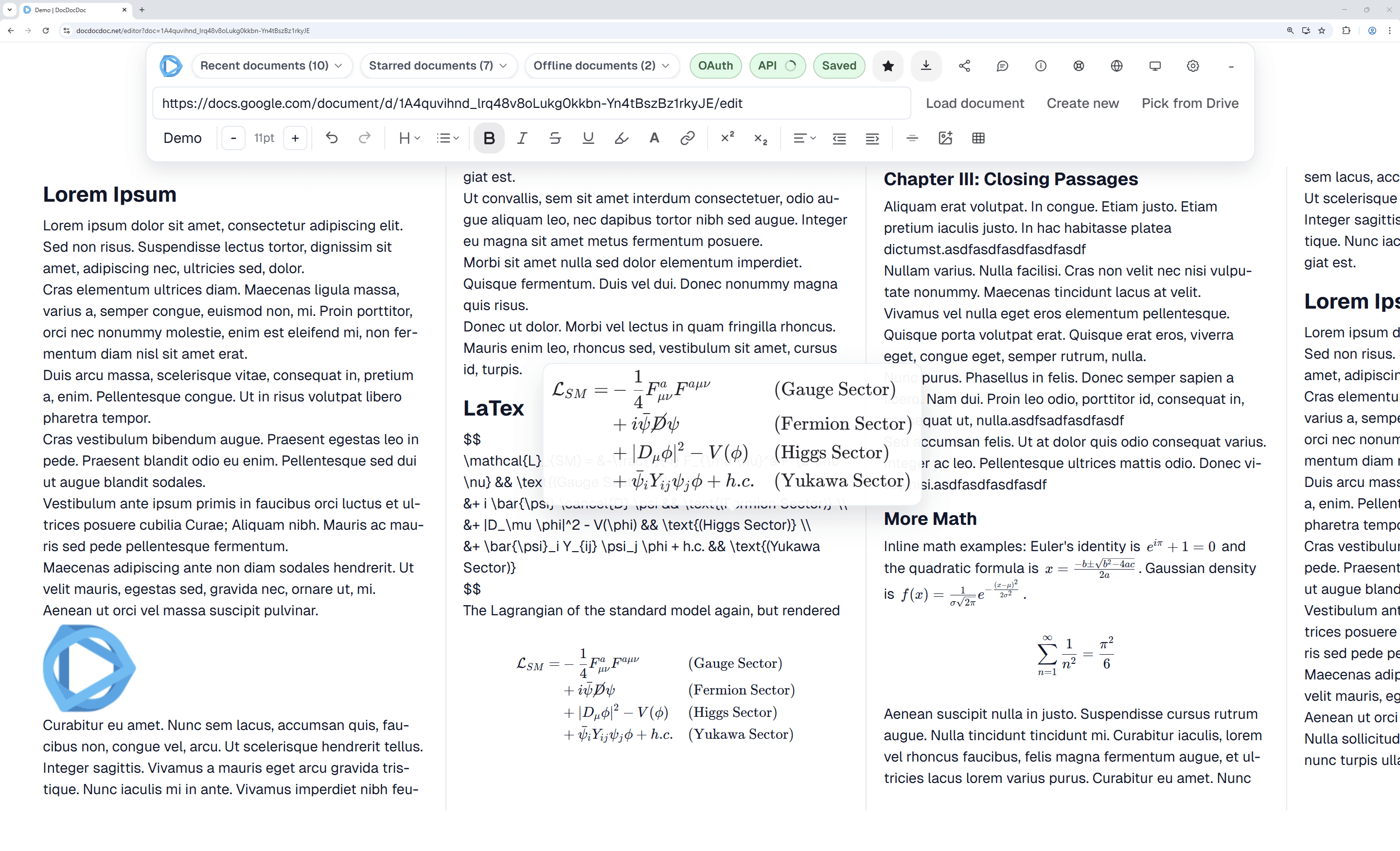
終於有真正的並排版面
DocDocDoc 讓你完整利用寬螢幕,不再無限捲動也能同時查看相鄰段落。特別適合長文工作流程。
02
文件資料留在你這邊
隱私優先。DocDocDoc 完全在瀏覽器執行,不在我們伺服器儲存你的文件內容。API 通訊僅在你的瀏覽器與 Google 之間加密傳輸。

03
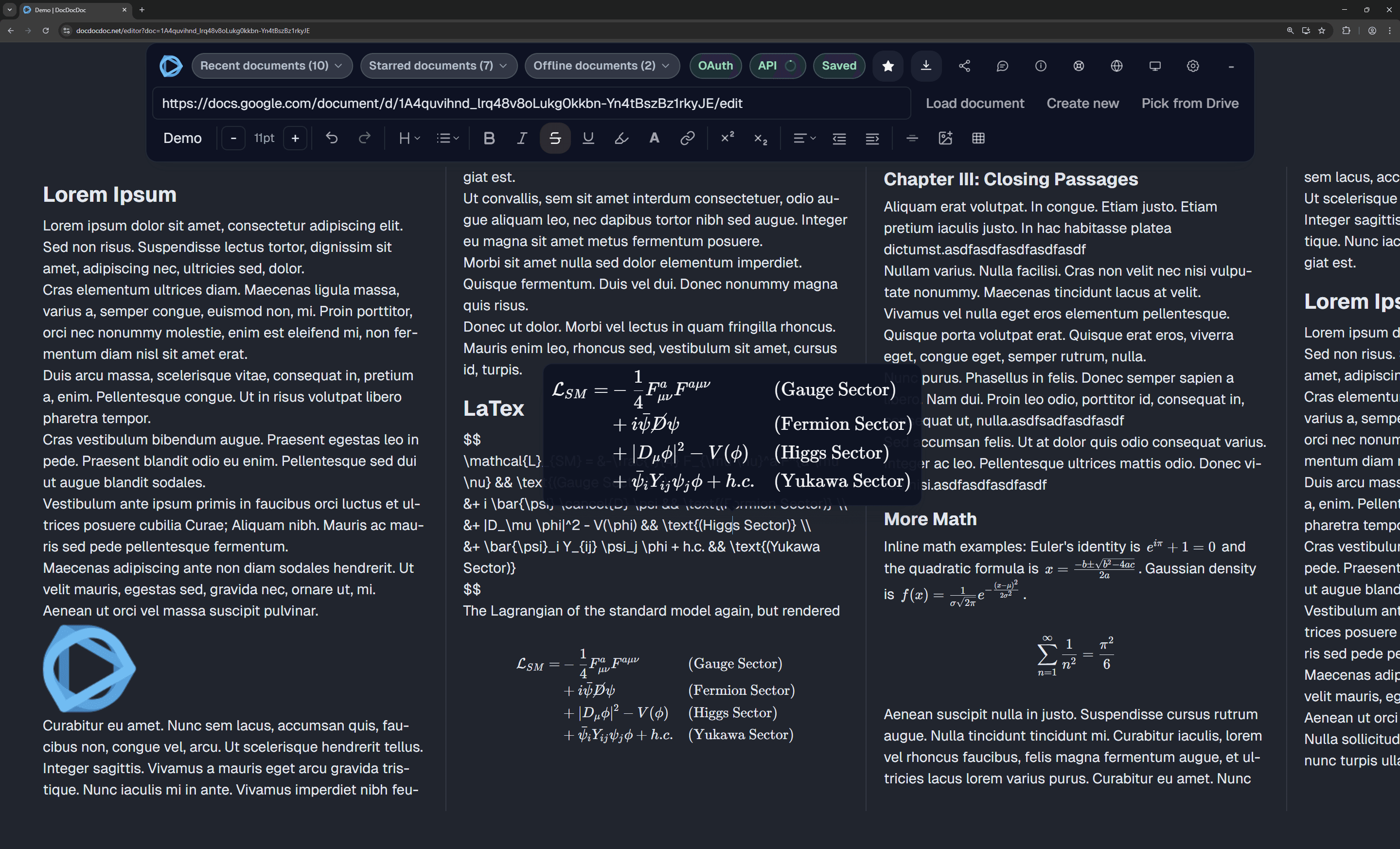
原生自動深色模式
夜間工作不再刺眼。DocDocDoc 會依系統主題自動切換介面與文件顯示的深色模式,降低眼睛疲勞,而且完全免費。
04
用 LaTeX 語法輸入數學
使用標準 LaTeX 語法建立複雜公式。行內使用 $...$,區塊公式使用 $$...$$。公式會以純文字同步回 Google 文件,並在 DocDocDoc 中即時精美渲染。
運作方式
1
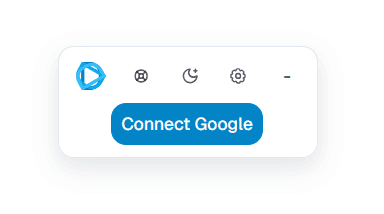
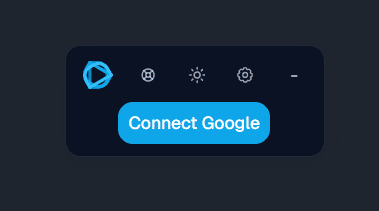
連接 Google OAuth
登入 Google 帳戶,讓 DocDocDoc 透過官方 API 顯示並同步你的文件。
2
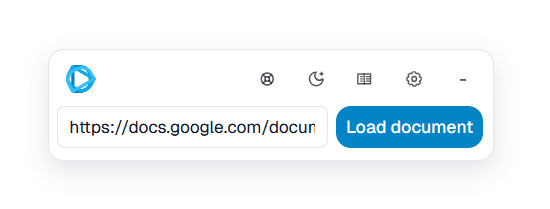
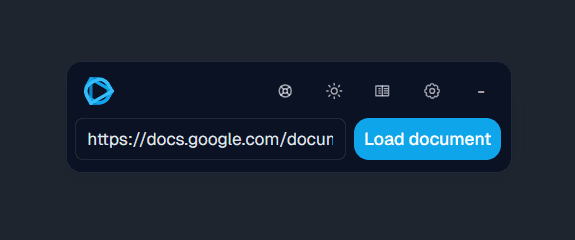
載入任何 Google 文件
貼上 Google 文件 URL/ID,或用 Google Picker 選檔,然後在並排編輯器中開啟。
3
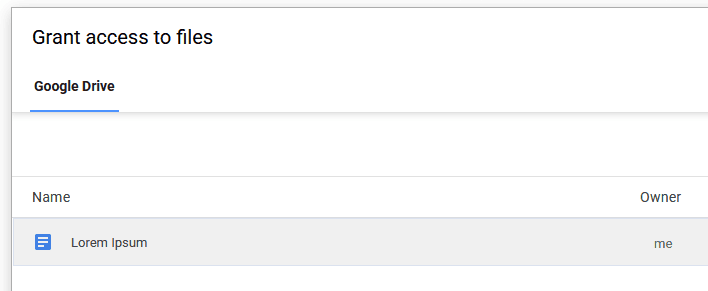
在 Google Picker 視窗中選擇文件
在 Google Picker 中,選擇你要開啟的文件。這會讓 DocDocDoc 只取得該單一檔案的存取權。DocDocDoc 無法存取或查看彈出視窗中列出的其他檔案,且檔案始終保留在你的裝置上。
4
並排編輯
多數基本功能已支援,仍持續擴充。若偵測到不支援元素,可建立不含該元素的安全副本繼續編輯。
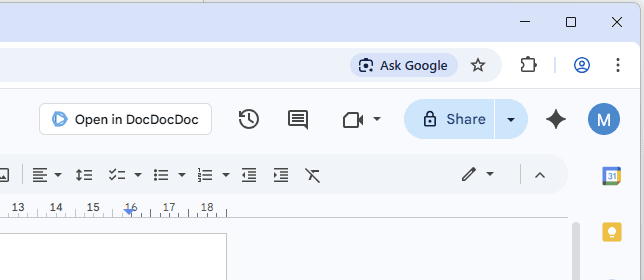
一鍵在 DocDocDoc 中開啟 Google 文件



常見問題
DocDocDoc 會取代 Google 文件嗎?
不會。DocDocDoc 是建立在 Google 文件之上的多頁編輯層,你的變更會同步回原始 Google 文件。
我的文件資料會儲存在你們的伺服器嗎?
不會。DocDocDoc 為純前端應用,沒有後端替你讀寫文件內容。
為什麼 DocDocDoc 需要 Google Drive 權限?
DocDocDoc 目前只要求以下 scopes:
https://www.googleapis.com/auth/drive.file用於單檔 Drive 存取(安全副本、圖片上傳、Google Picker 選檔)。
DocDocDoc 使用 drive.file,而非廣泛的 Drive 讀取權限。
我可以在 DocDocDoc 內直接挑選 Google 文件嗎?
可以。你可貼上 URL/ID,或在編輯器內開啟 Google Picker。存取仍維持在 drive.file 的單檔範圍。
我可以開啟任何 Google 文件嗎?
可以,只要目前登入帳號對該文件有檢視或編輯權限。
最適合哪些人?
適合長文工作者:作家、研究者、學生與編輯。若你使用寬螢幕,並排頁面可顯著提升效率。
DocDocDoc 真的免費嗎?
是。核心功能在瀏覽器執行且直接連接 Google API,營運成本低,因此可免費提供。
協作有像 Google 文件那樣即時嗎?
DocDocDoc 約每幾秒同步一次。因採用 Google Docs API(非 Google 內部即時協作引擎),會有些微延遲。
目前有哪些限制?
目前尚未完全提供真正即時多人協作;超大型文件可能渲染較慢。
支援哪些功能?不支援時會怎樣?
主要編輯功能已支援。若偵測到不支援物件,會阻擋對原始文件的直接編輯,以避免破壞性覆寫。
哪裡可以看更多資訊?
請參考我們的指南:如何並排查看 Google 文件 與 如何在 Google 文件中使用 LaTeX 數學。
If you want to compare all common workaround paths, also read the console hack breakdown, why two browser windows are limiting, why print preview is not enough, and what SplitView solves vs what it does not.
What is the browser extension for?
The extension adds a one-click handoff from Google Docs to DocDocDoc so you can open the current file without copying links. It is being rolled out by browser family.
Why does Google Picker show many files if access is per-file?
Picker is a Google-owned file chooser UI. It can list your files so you can pick one, but DocDocDoc only receives permission for the file you explicitly choose. Other listed files are not granted to DocDocDoc.
How does DocDocDoc compare with other writing tools?
Use the comparison articles below if you are deciding between DocDocDoc and Notion, Obsidian, or Scrivener for long-form Google Docs writing workflows.
Start with DocDocDoc vs Notion, DocDocDoc vs Obsidian, and DocDocDoc vs Scrivener. Each guide explains when the other tool is the right choice and where DocDocDoc is the better fit for Google Docs-native writing.
立即並排編輯 Google 文件
開啟編輯器,幾秒內載入你的文件。
開啟 DocDocDoc 編輯器